 WagWatch
A pet medication schedule template, and how reminders stop the silent miss
Twice a day for ten days is twenty chances to forget. A schedule on the fridge is the classic answer, and it is a good one. Below is a template you can print now, then a note on the one thing paper cannot do, which is tell you about the dose nobody wrote down.
The template
Two parts. The first lists every medication once. The second is a week of boxes, one row per day, one box per dose. Print one copy of the second part per week, or as many as the course needs.
Part 1 — what is being given
| Medication | Dose | How often / when | Start | Stop | With food? |
|---|---|---|---|---|---|
Pet: Vet / clinic phone:
Part 2 — one week of doses
Medication: Week of:
| Day | Morning | Midday | Evening | Given by / notes |
|---|---|---|---|---|
| Mon | ☐ | ☐ | ☐ | |
| Tue | ☐ | ☐ | ☐ | |
| Wed | ☐ | ☐ | ☐ | |
| Thu | ☐ | ☐ | ☐ | |
| Fri | ☐ | ☐ | ☐ | |
| Sat | ☐ | ☐ | ☐ | |
| Sun | ☐ | ☐ | ☐ |
How to fill it in
- Copy the label, not your memory. Name, dose and timing exactly as written on the packaging or by your vet, including whether it goes with food. If anything on the label is unclear, ask the clinic before the first dose, not after.
- Write the stop date. A course with an end has an end date; a long-term daily medication does not. Both are worth writing down, because "we're supposed to stop at some point" is how a course runs a week long.
- Tick the box when the dose goes in, not when you mean to. The chart is a record of what happened, not a plan.
- Initial it if two of you share the job. The most common miss in a two-person household is each person assuming the other did it. An initial in the box settles it.
- Note anything odd next to the box. Spat out, vomited after, refused. Those notes are what the follow-up appointment is about.
Where paper falls down
A paper chart has one weakness, and it is a quiet one: an empty box looks the same whether the dose was missed or the tick was forgotten. Nobody notices until the follow-up, when the vet asks "and did she get all of them?" and the honest answer is "I think so".
The other weaknesses are ordinary. The chart is on the fridge and you are at the park. The dog walker gave the midday dose and did not know about the chart. The course finished two months ago and the chart went in the recycling, so when the same problem comes back there is no record of what was given last time.
How WagWatch does the same job
The app version of the template above is the medication feature in WagWatch, which is free on every plan with no limit on how many medications you record. It works like this:
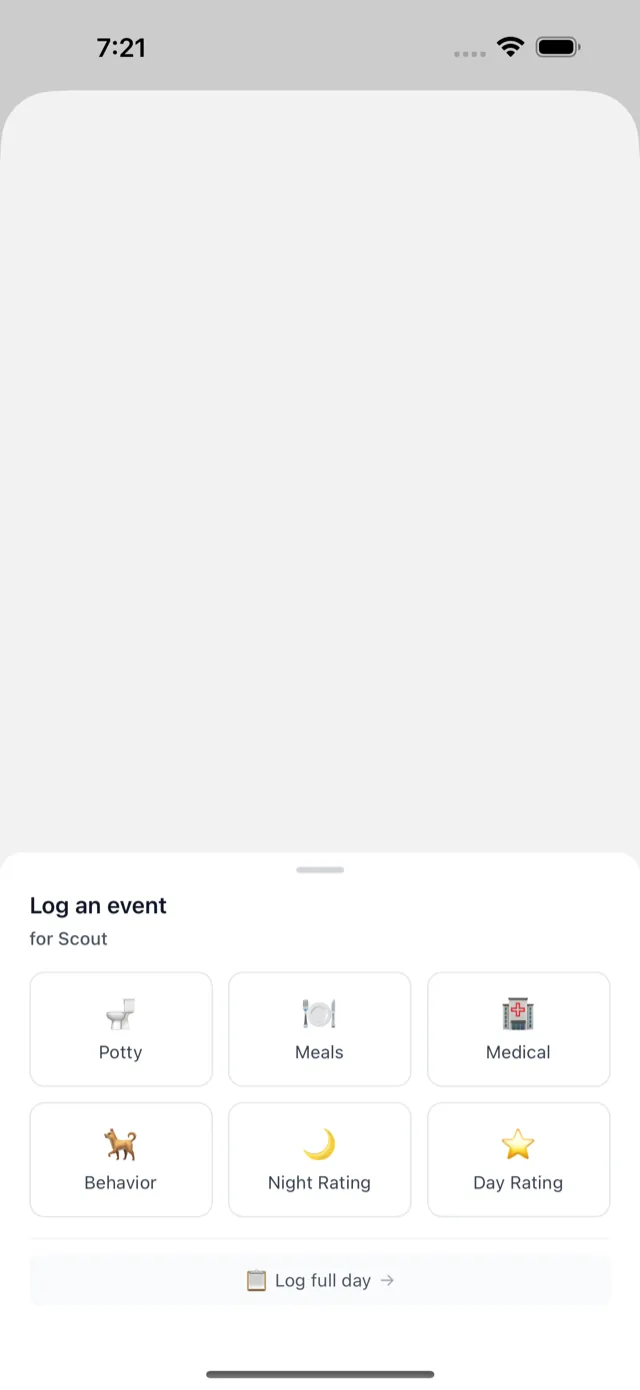
- Record the medication once, with its name, dose, how often, the start date and, if there is one, the stop date. That is Part 1.
- Set the reminder times. Reminders arrive as push notifications on your phone at each dose time; tapping one opens it with a one-tap button to log the dose. That is Part 2, without the fridge.
- Log each dose. A confirmed dose sits in the history next to that day's meals and rating. A dose that was not logged shows as a gap, which is the point: the silent miss is not silent any more.
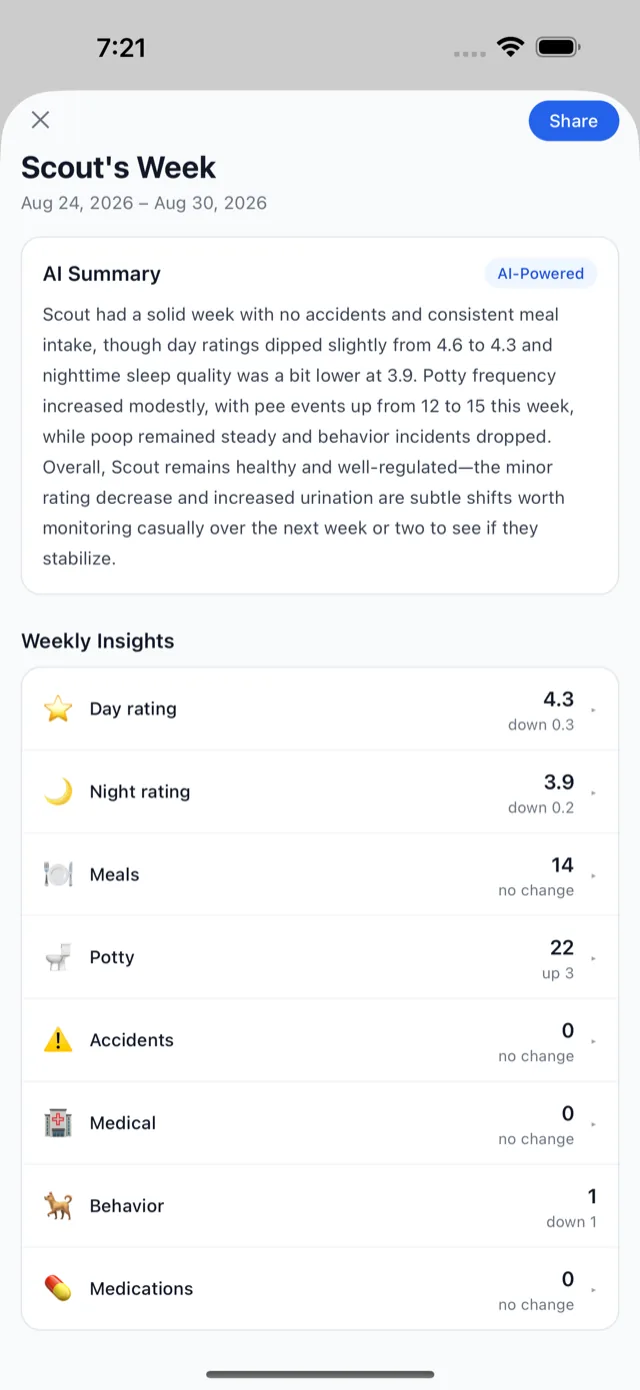
- Look back. History and Trends show the weeks before and after a medication started, side by side with everything else you logged. A medication with a stop date stays in the history with every dose, so last spring's course is still there when it matters.
Two people sharing the job invite each other to a household: both see the same medication, both get the reminder, and whoever gives the dose logs it, so the other can see it was done. How shared households work.
One honest limit: reminders can be created and edited anywhere, including the web app, but they are delivered as push notifications to the iPhone and Android apps. If you only ever use the web app, keep the mobile app installed for the reminders. More on reminders in the help pages.
At the follow-up
- A PDF summary of the last 90 days, events and medications, free, in one tap. Any date range on Premium.
- A CSV or JSON export of every event and medication, free on every plan.
- An expiring, read-only share link your vet can open without an account Premium.
There is more on the medication feature, including supplements and monthly doses, on the pet medication tracker page.
Not a substitute for your vet
WagWatch is a tracking and logging tool, not a veterinary service. Its job is to help you bring a clear, accurate history to the people who care for your pet professionally.
Start today
Print the template above, or add your pet in WagWatch, record the medication, and let the first reminder do the remembering. Either way, write the stop date down.


Free to use every day. Premium unlocks the full history, every pet and the AI assistant — $3.99 a month or $24.99 a year, 14-day free trial.