What to write down before a vet appointment (a one-page checklist)
Before a vet appointment, write down why you are going, when it started, and whether it is getting better or worse; any change in appetite, drinking, potty, energy, or behavior; every medication and supplement, with any missed doses; the diet and the weight; and anything new at home. Put a date on every change you can.
A vet appointment is fifteen minutes, and the first five are questions: when did it start, has the appetite changed, what is she taking, has anything else been different? The answers from memory are "a while," "maybe," and "I think so." The answers from a page are dates. The checklist below is the page.
What should you write down before a vet appointment?
Write down every change with its date, every medication with its dose, and your own questions; the one-page checklist below prints with a line for each.
Before the appointment
Pet: Appointment:
- ☐ Why we are here, in one sentence:
- ☐ When it started (a date, or "about three weeks ago"):
- ☐ Is it getting better, worse, or the same?
- ☐ Appetite: eating normally / less / more, since
- ☐ Drinking: normal / more / less, since
- ☐ Potty: any accidents, straining, changes in frequency, anything unusual
- ☐ Vomiting or diarrhea: how many times, and when
- ☐ Energy and sleep: slower, restless at night, sleeping more
- ☐ Behavior: hiding, pacing, not greeting you, anything new
- ☐ Every medication and supplement, with dose and how often, including flea, tick, and worm doses and the date of the last one
- ☐ Any missed doses in the last course
- ☐ Diet: what, how much, and any change in the last month
- ☐ Weight, if you know it, and whether it has changed
- ☐ Anything new at home: a move, a new pet, a new person, construction work
- ☐ Photos of the thing you are worried about, dated, if it is visible
- ☐ My questions:
Why dates matter more than descriptions
"She's been off her food" and "she ate half of every meal from the 3rd to the 9th, then nothing on the 10th" are the same observation. The second one lets your vet rule things in and out. Most of the checklist above is asking you to attach a date to a change, because that is the part memory drops first. A symptom checker answers a different question, how soon to call: what free pet symptom checkers cover, and where they stop.
Dates matter for medications too. The question is rarely "what is she on?" and usually "did she get all of it?" A course with two missed doses is a different situation from a finished one.
How can WagWatch fill in the checklist for you?
If the day-to-day has been logged, the checklist mostly writes itself:
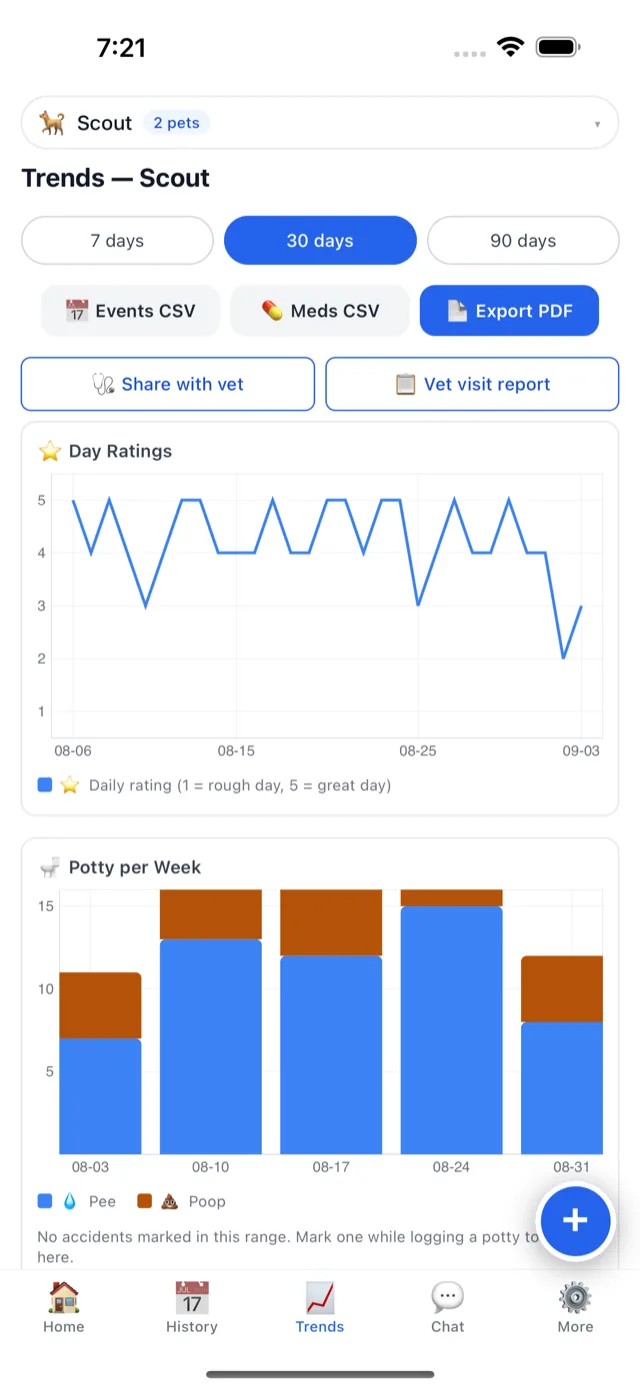
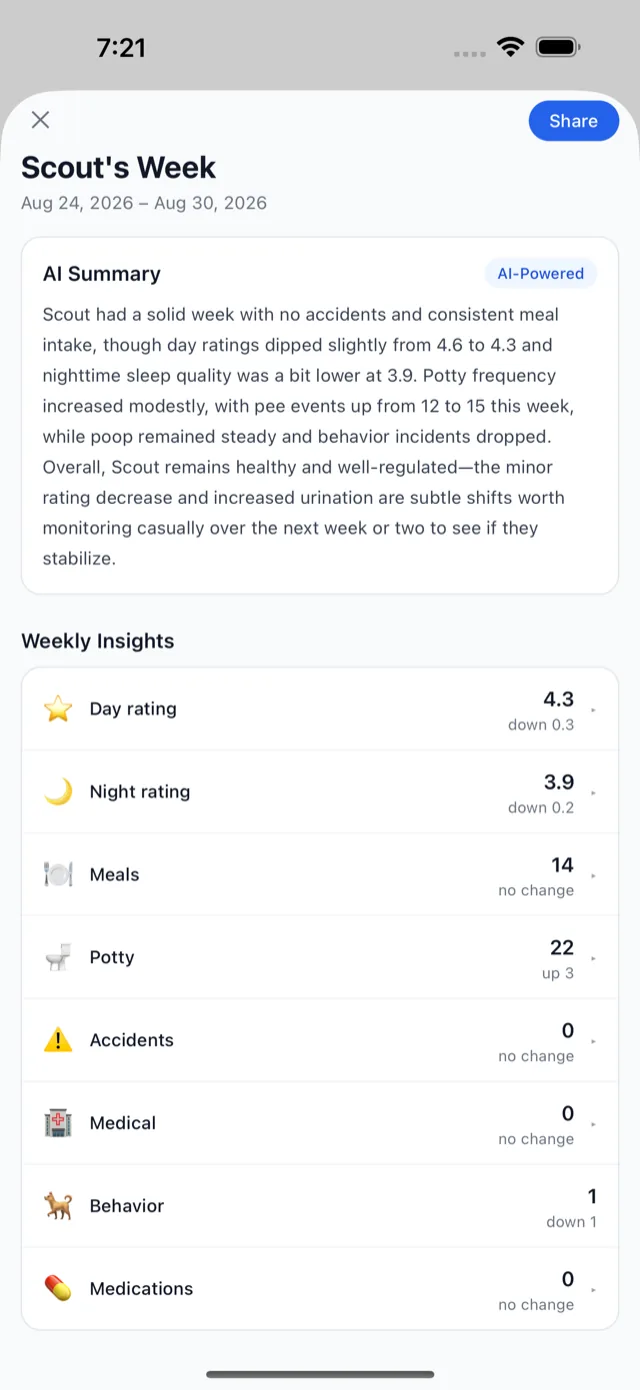
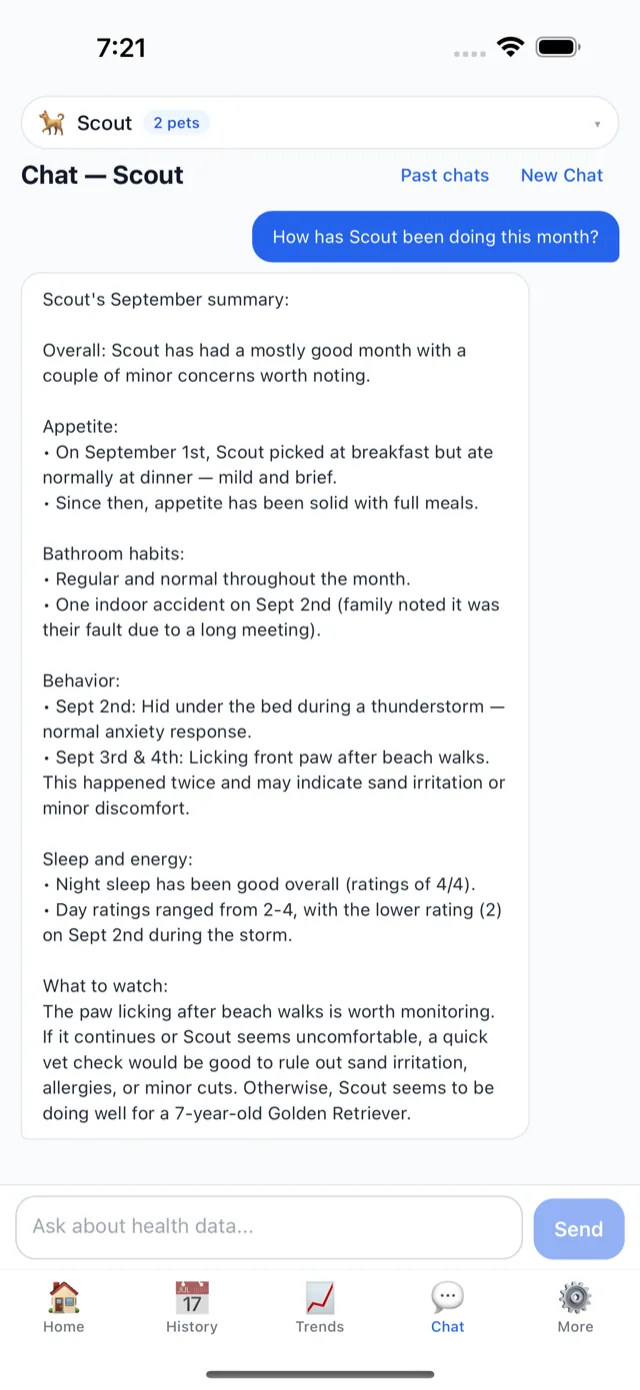
- A PDF summary of the last 60 days, events and medications, free, in one tap. Any date range on Premium. This is the "when did it start" answer with the dates on it.
- A one-tap vet visit report over the last 90 days, with questions to ask Premium.
- An expiring, read-only share link your vet can open without an account, before the appointment if they want it Premium. What your vet sees, and when a link ends.
- A CSV or JSON export of every event and medication, free on every plan.
- The medication history, including courses that have ended, with every dose that was logged and every gap that was not. How medications work.
- Photos on the event they belong to, dated Premium.
The help pages cover sharing with your vet step by step. If the pet is older, the seven changes most worth having on this page are here.
What should you do with the checklist at the appointment?
Hand over the page, or the PDF, at the start rather than the end. Write the answers to your questions on the same sheet, and the follow-up date. Then log the appointment itself as a medical event when you get home, with what was said, so the next visit starts from this one.
The checklist prepares the visit; your vet runs it
WagWatch fills in the dates and the doses; it is a logging tool, not a veterinary service. What the history means, and what happens after the appointment, is your vet’s decision.

Print the checklist before the next visit
Print the checklist for the next appointment, or add your pet in WagWatch and start logging the days between visits. It takes about a minute, and the next checklist fills itself in.


Keeping the log between visits is free on the free plan, down to the last entry. Premium unlocks the full history, every pet, and the AI assistant — $3.99 a month or $24.99 a year, with a 14-day free trial for new subscribers in the iPhone and Android apps. In the iPhone and Android apps it can also be bought once, as Lifetime Premium for $69.99: one payment that never renews, for your whole household.